

Using the Services Page
The Services page displays detailed information for an item, allows users to access their Library Cards, and select any of the following services for an item, if available:
-
View Online – Display full text for electronic material. Users may need to sign in to view online materials.
-
Get It – Place requests for items held by the library. Users must sign-in to view request options.
-
Virtual Browse – Browse for items that are near the selected item on the virtual bookshelf.
-
Links – Link to additional information related to the item.
For configuration information, see Configuring the Services Page.
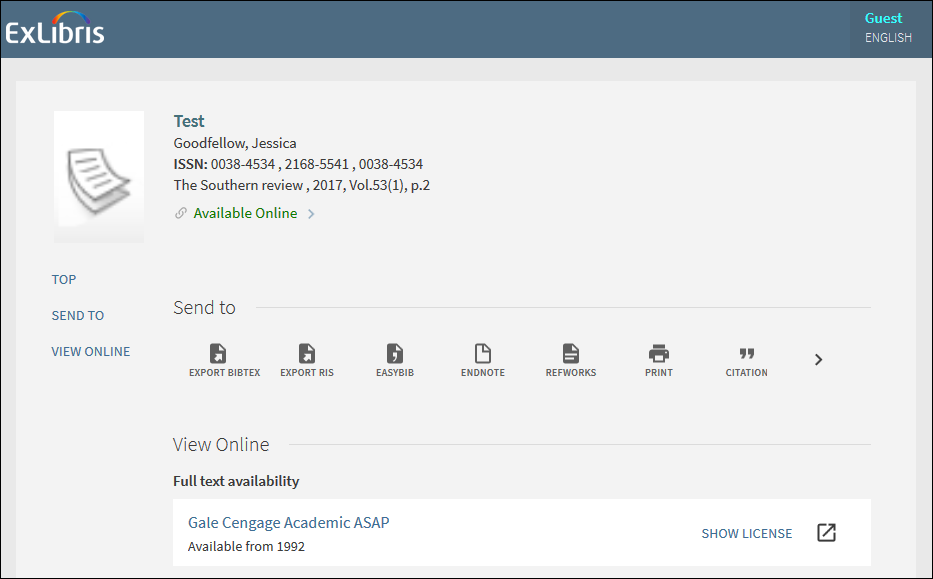
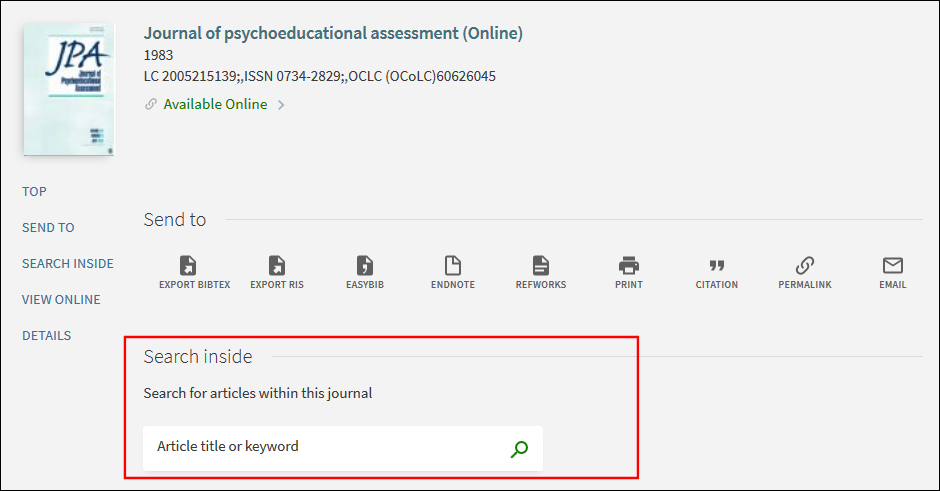
If configured, users can search within a journal from the Services page. Otherwise, discovery is mainly performed using the Summon user interface.
-
Perform a search in the Summon UI.
-
Select an item's title to open the Services page.
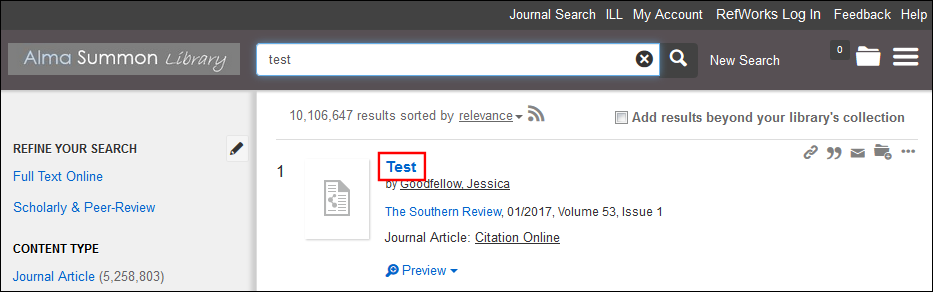 Search Results in Summon User Interface
 -
Select a service for an item.